Invora turns your phone into a complete invoicing office: professional invoices and estimates, 140+ templates, GST and VAT built in, reminders that chase for you — and it all works offline.
We read thousands of reviews of invoice apps before building Invora. The things people begged for are simply here.
Saved clients and items, one-tap payment terms (Net 7/14/30…), drag-to-reorder lines, units and item details like SKU or serial numbers.
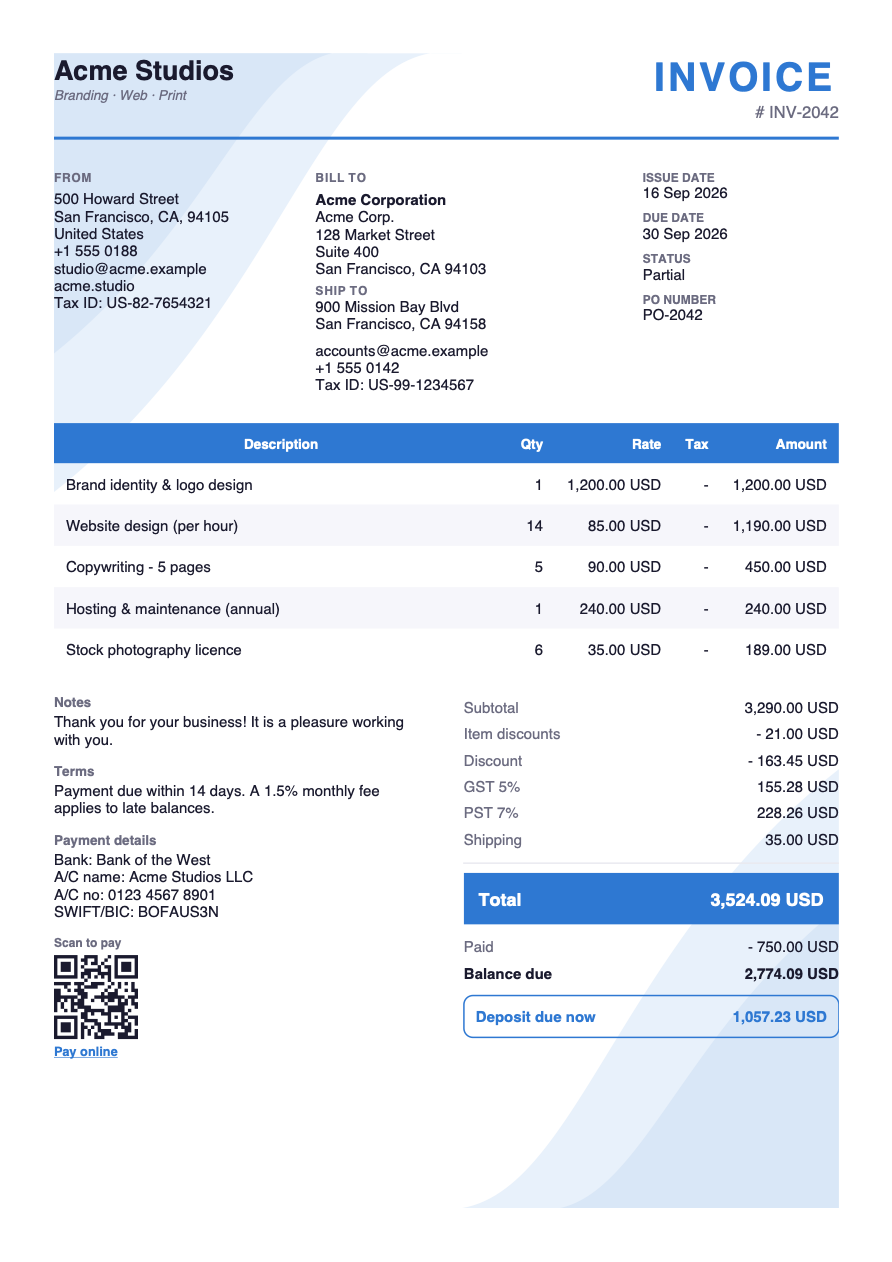
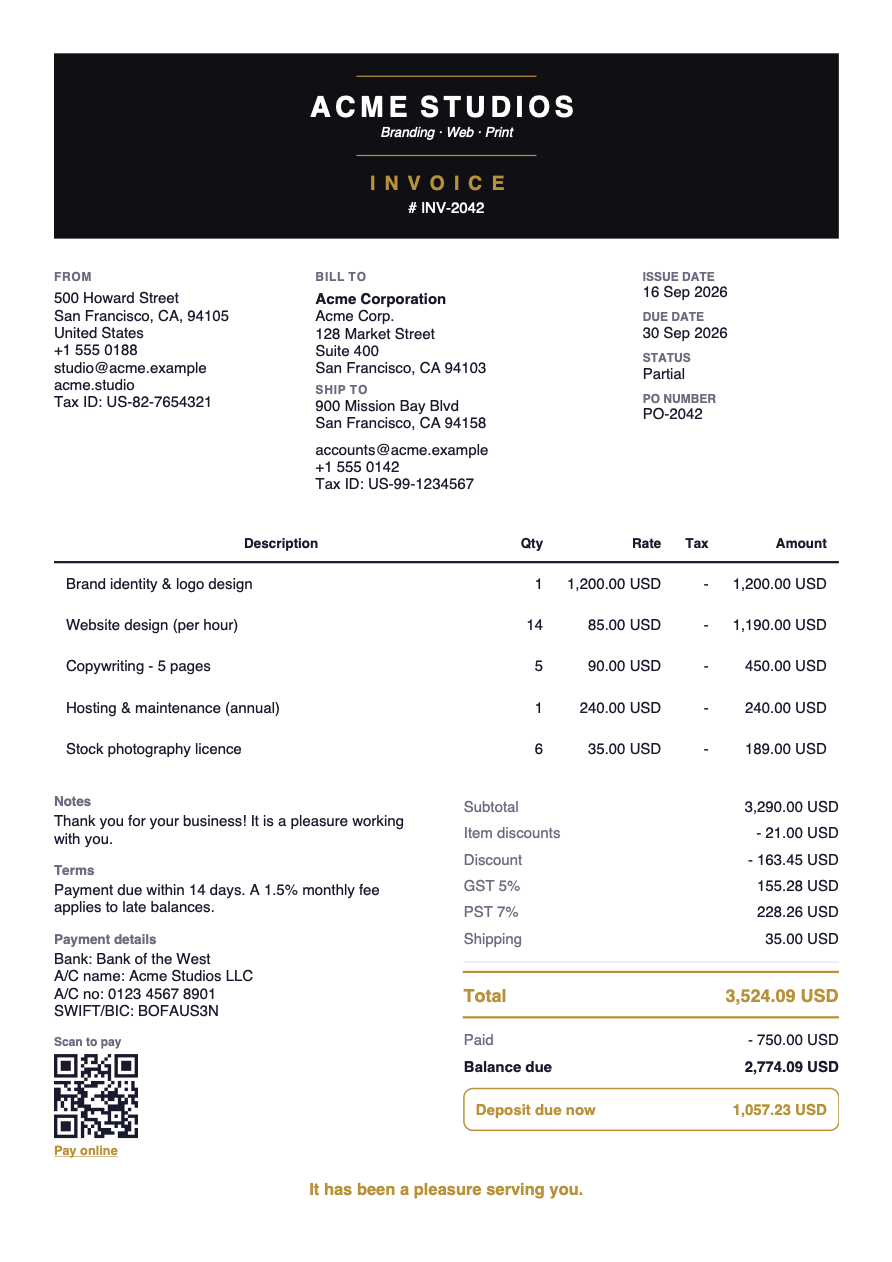
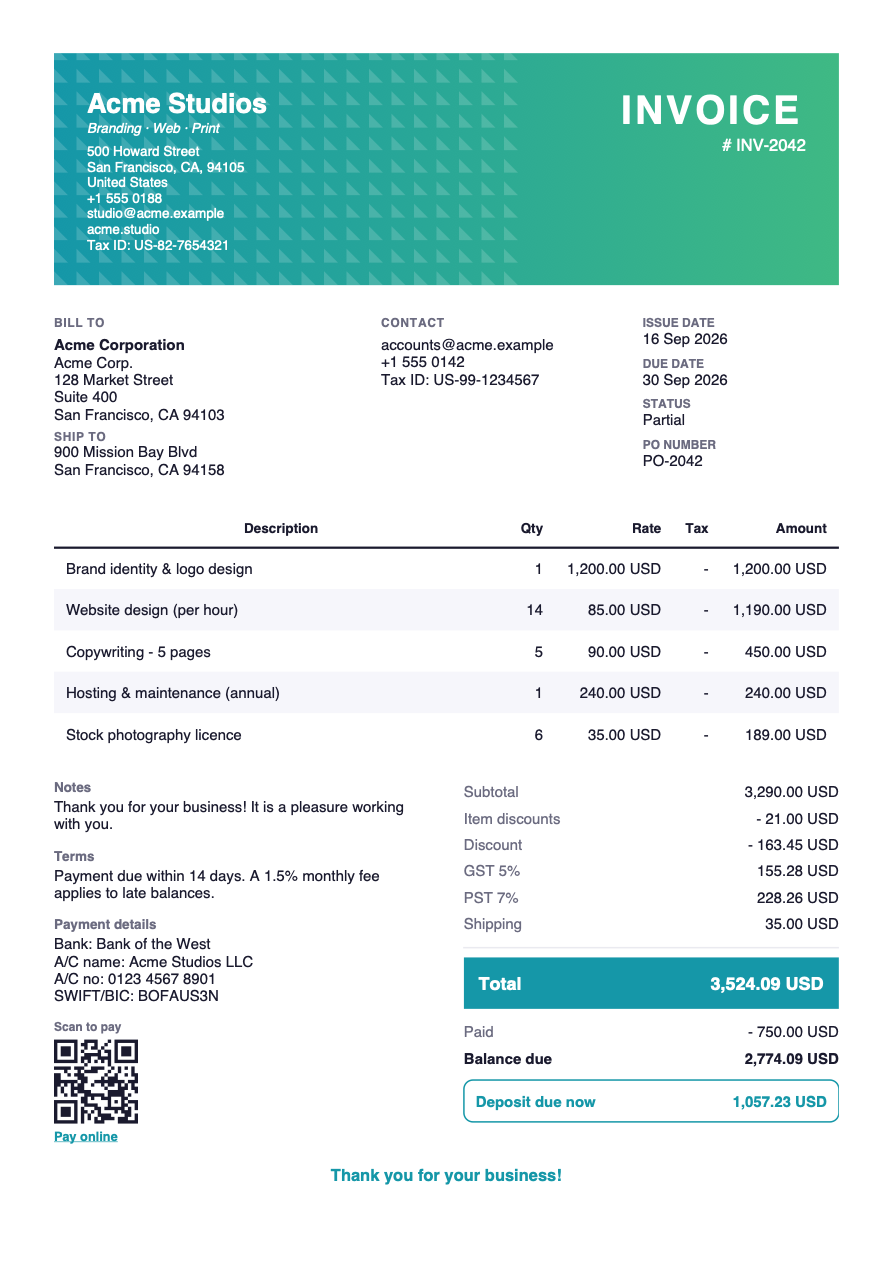
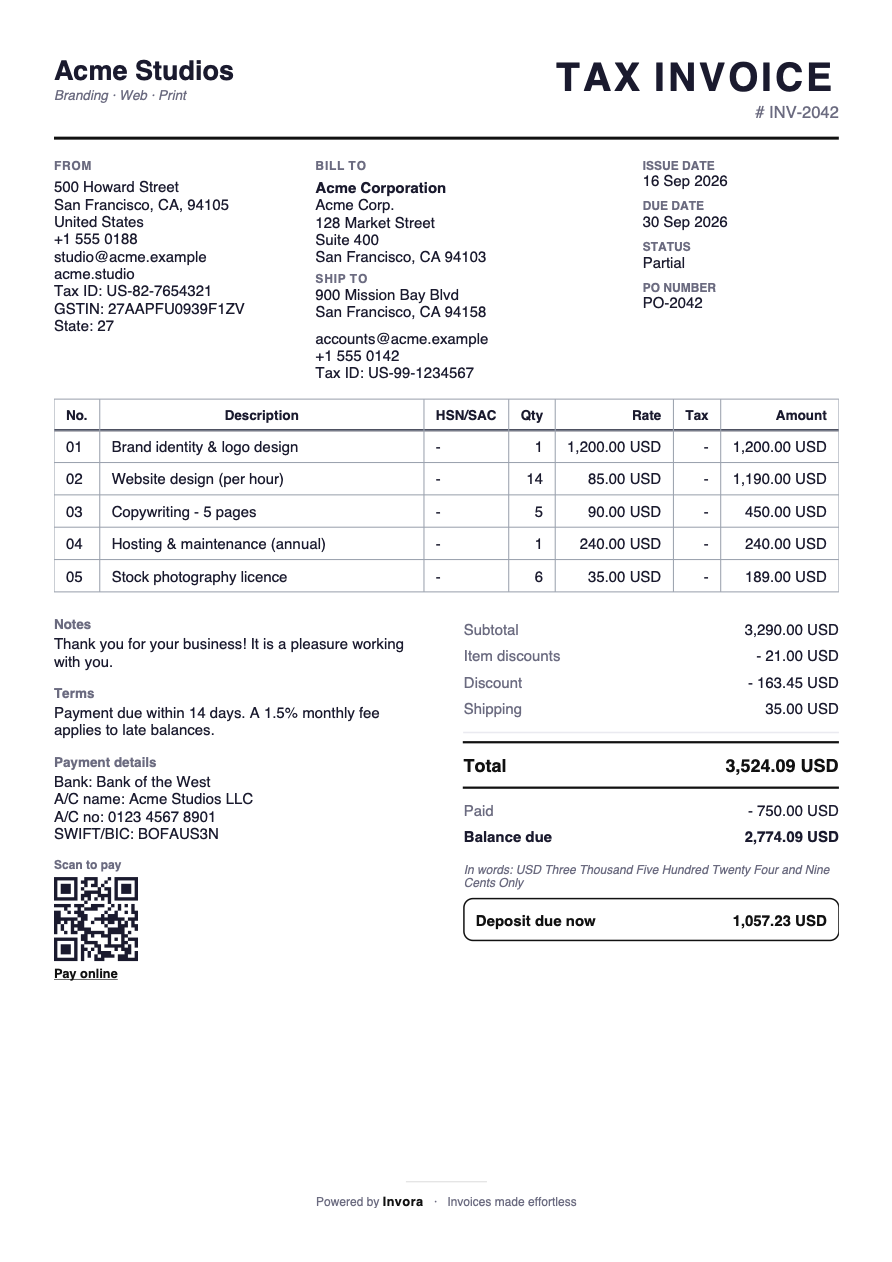
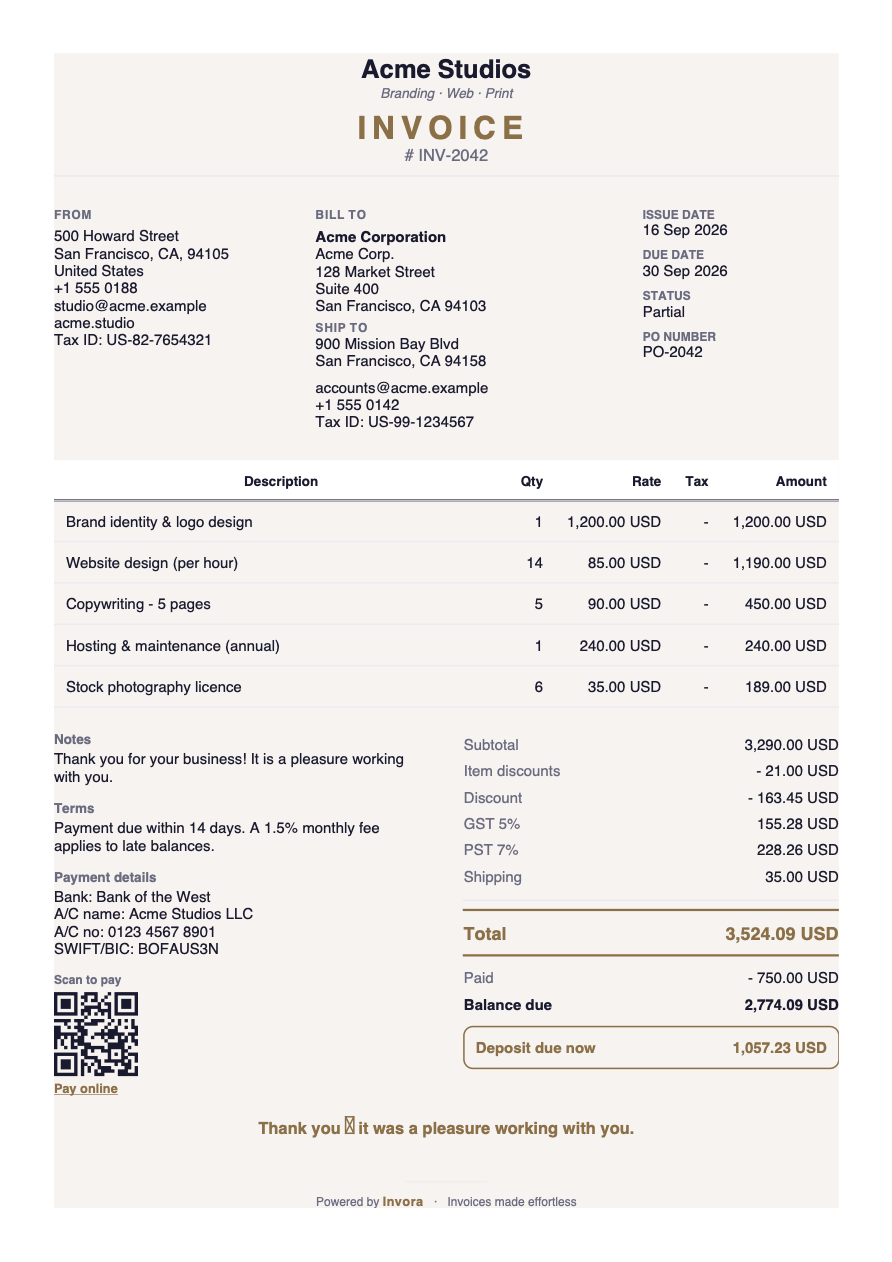
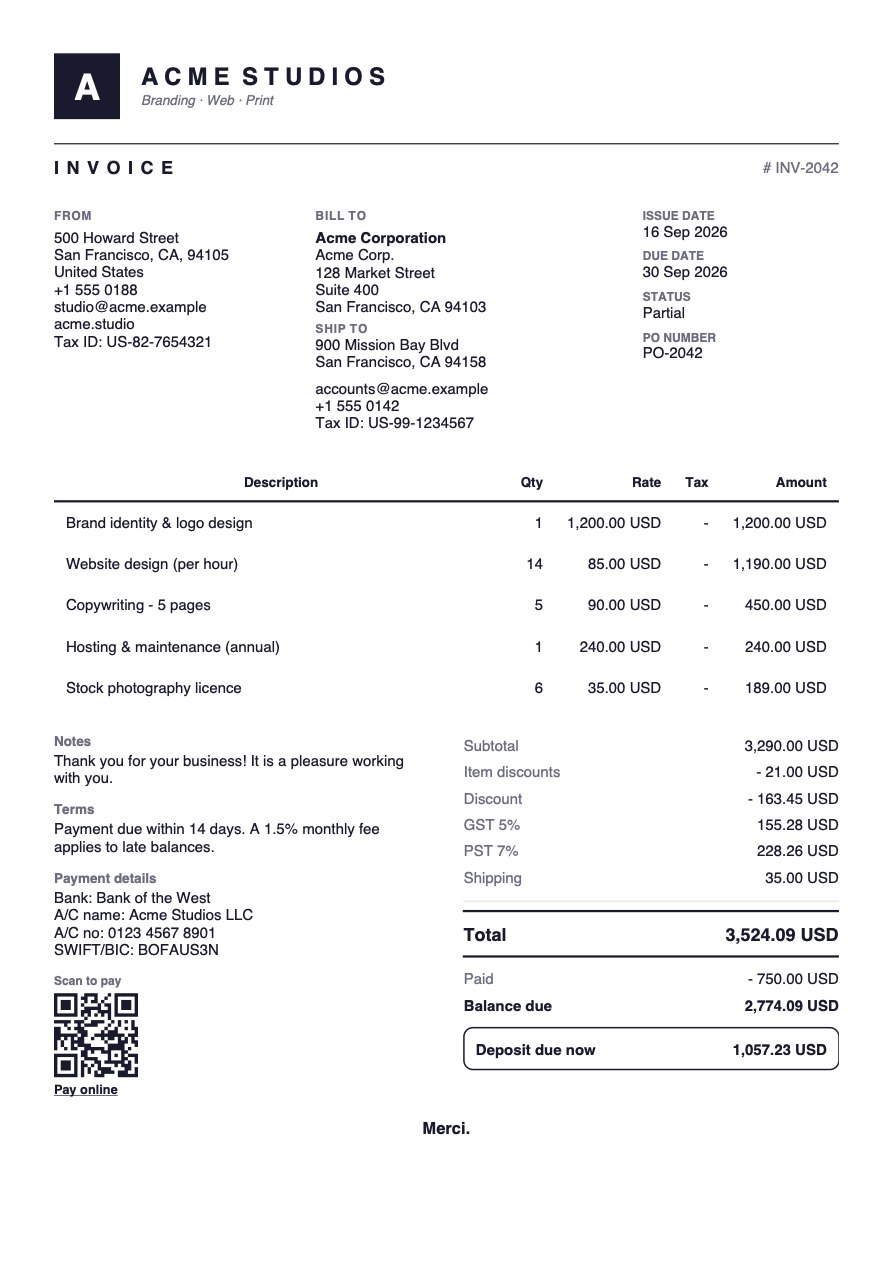
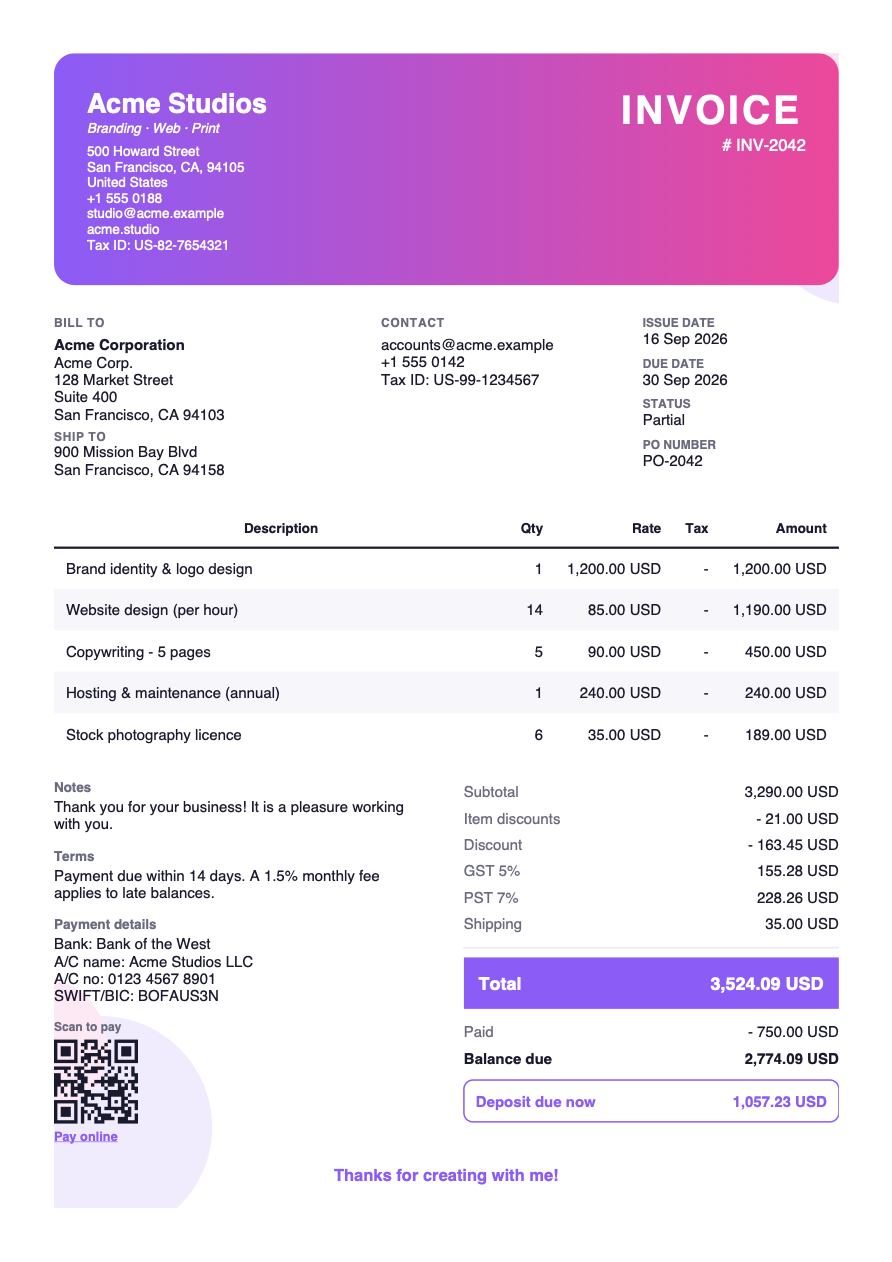
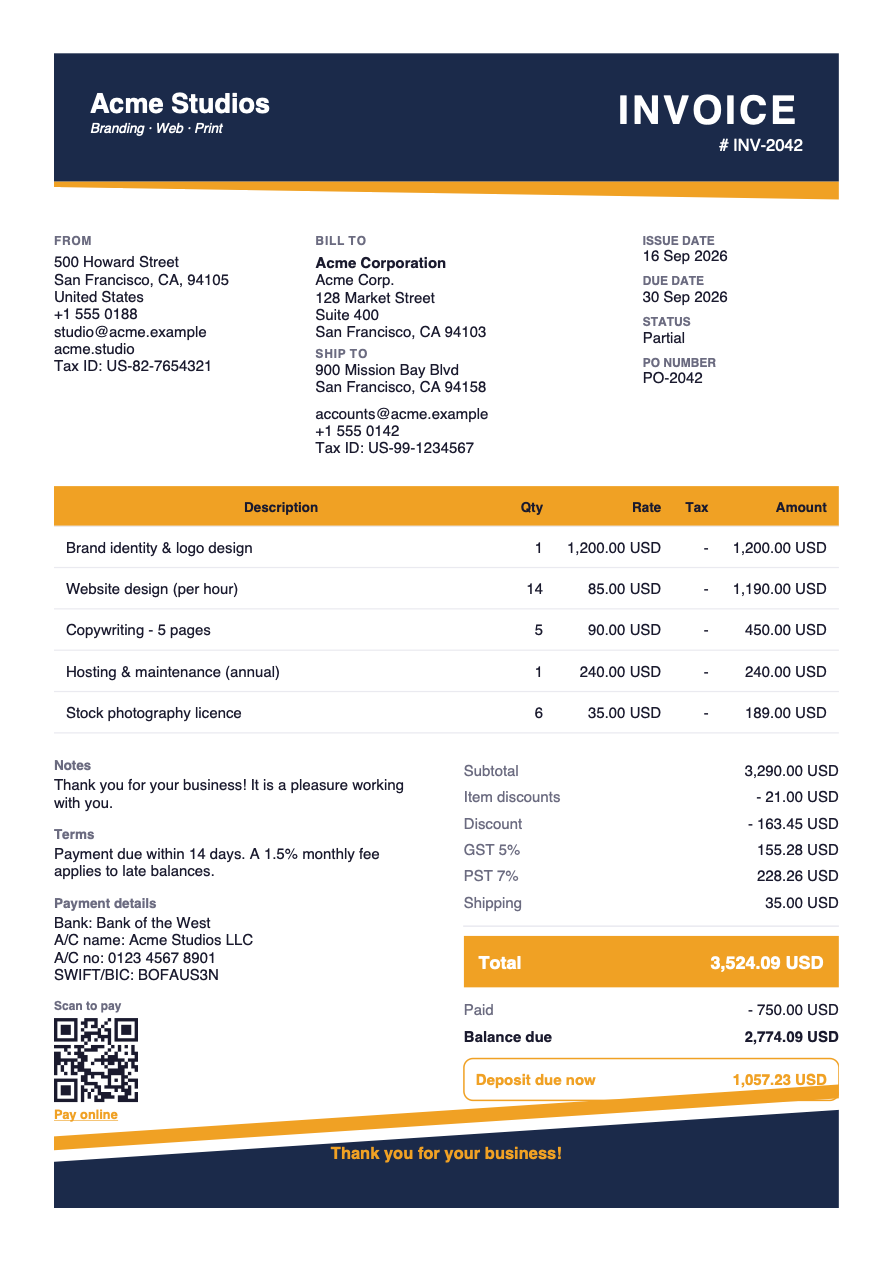
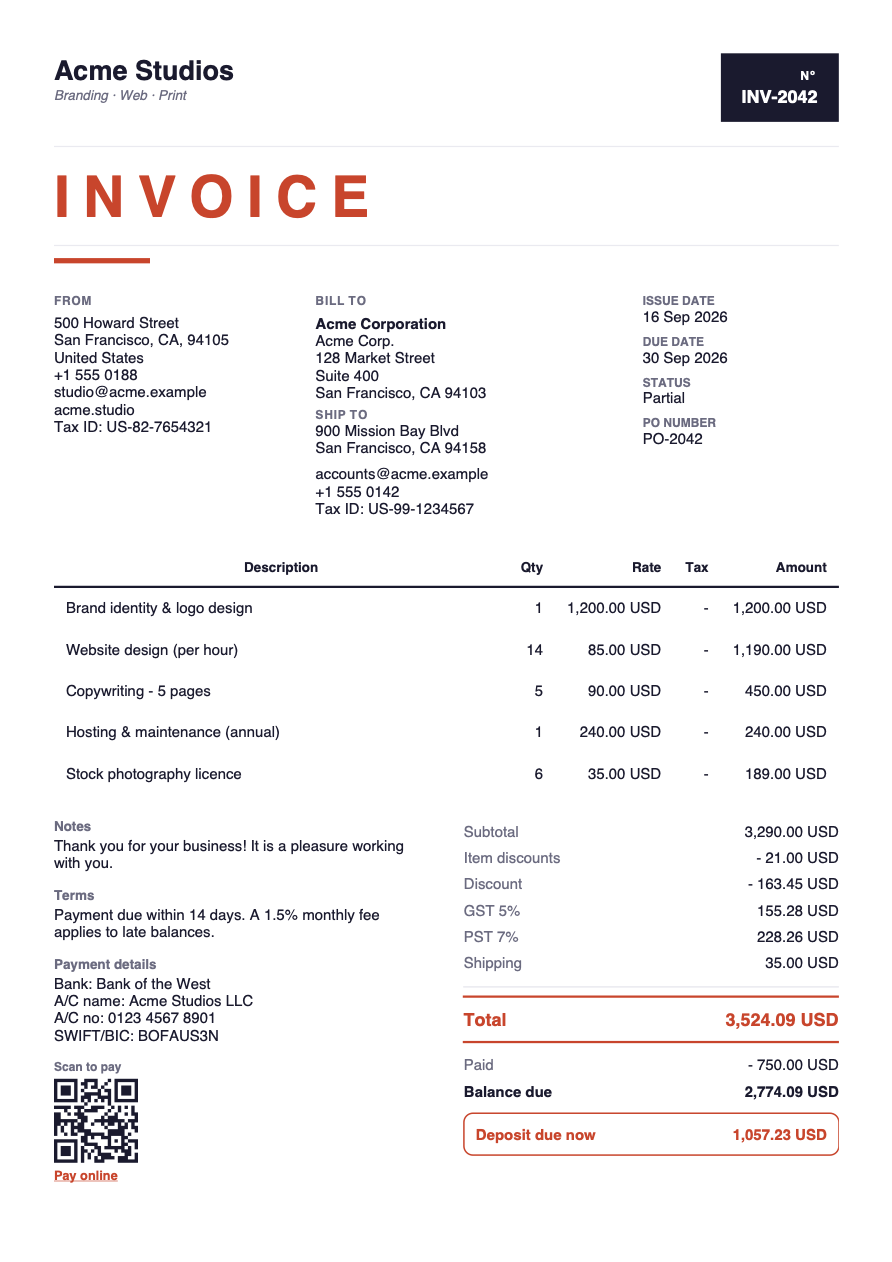
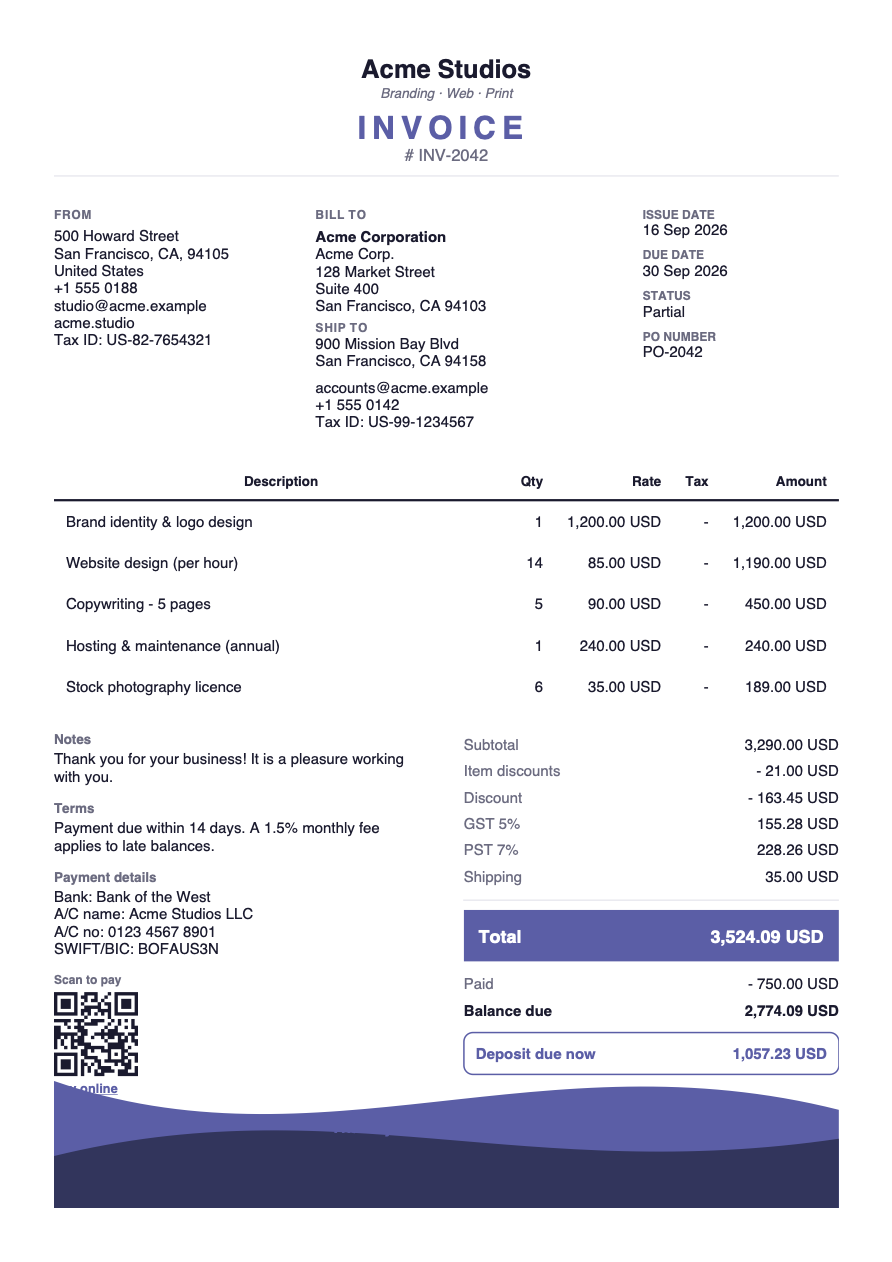
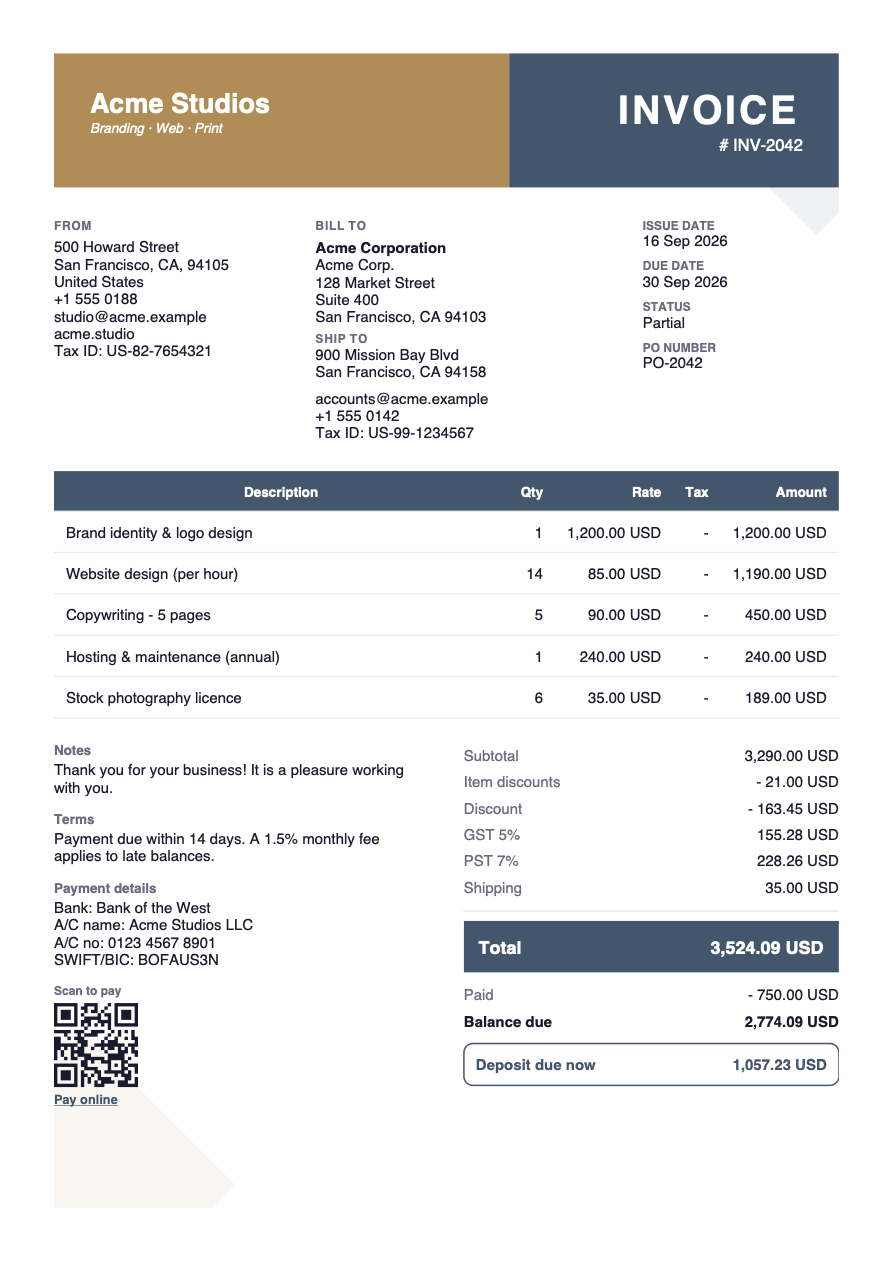
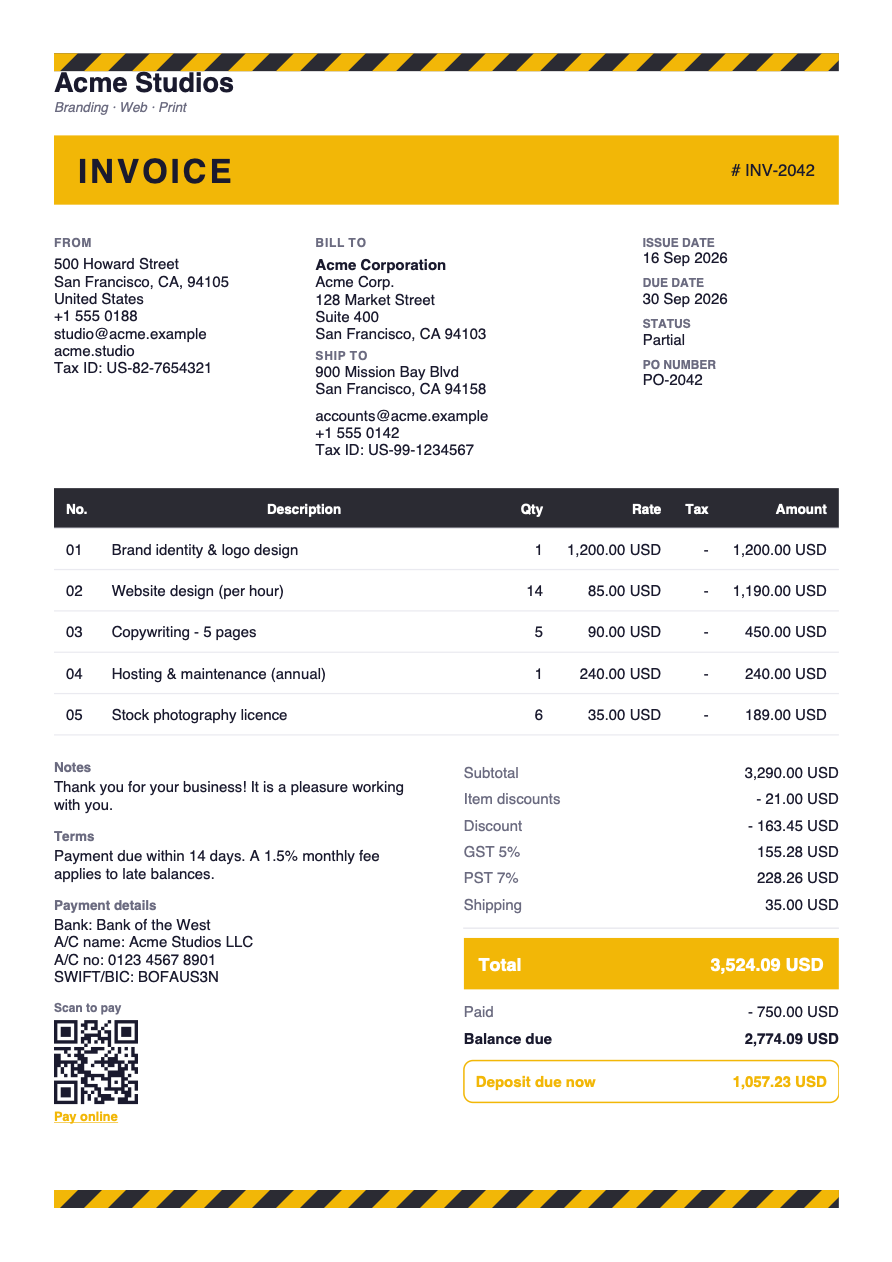
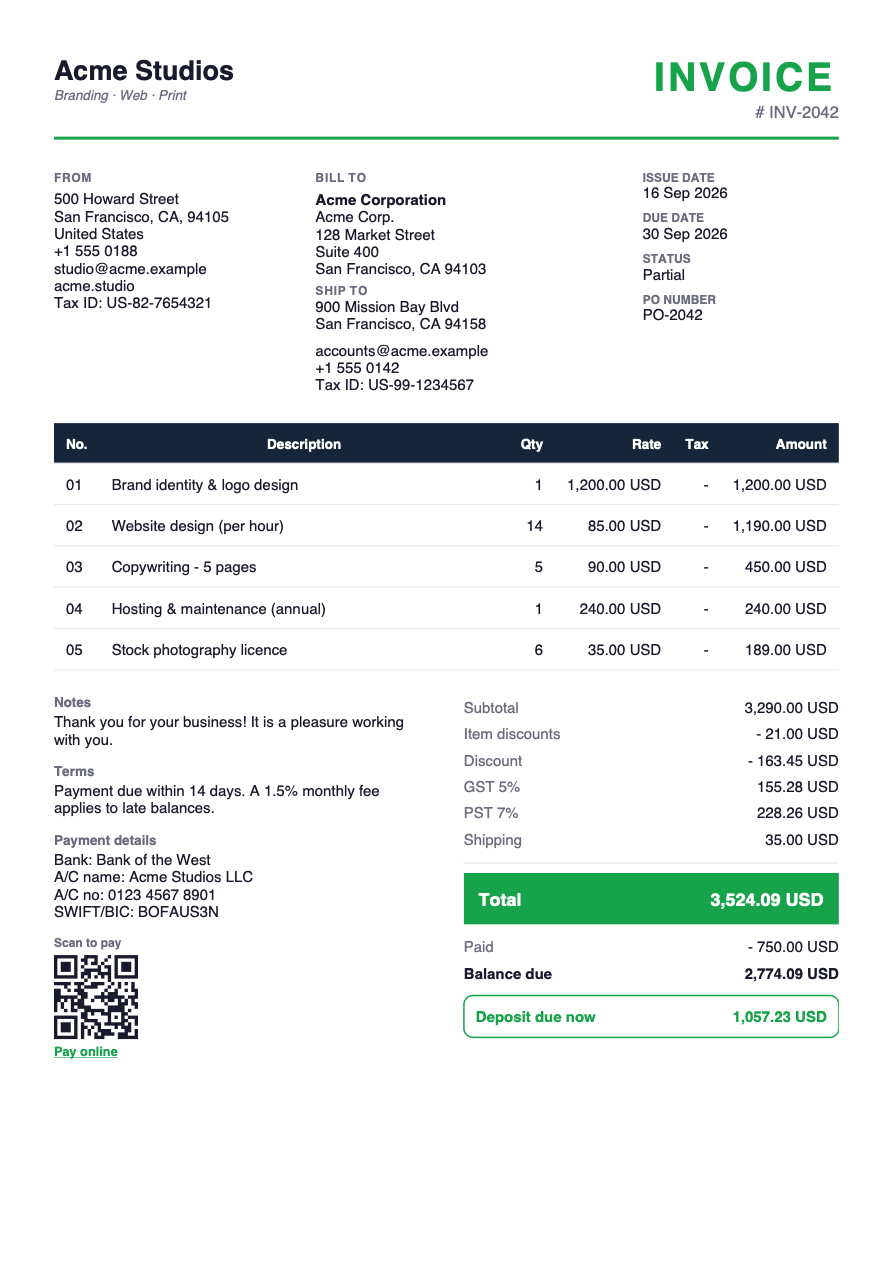
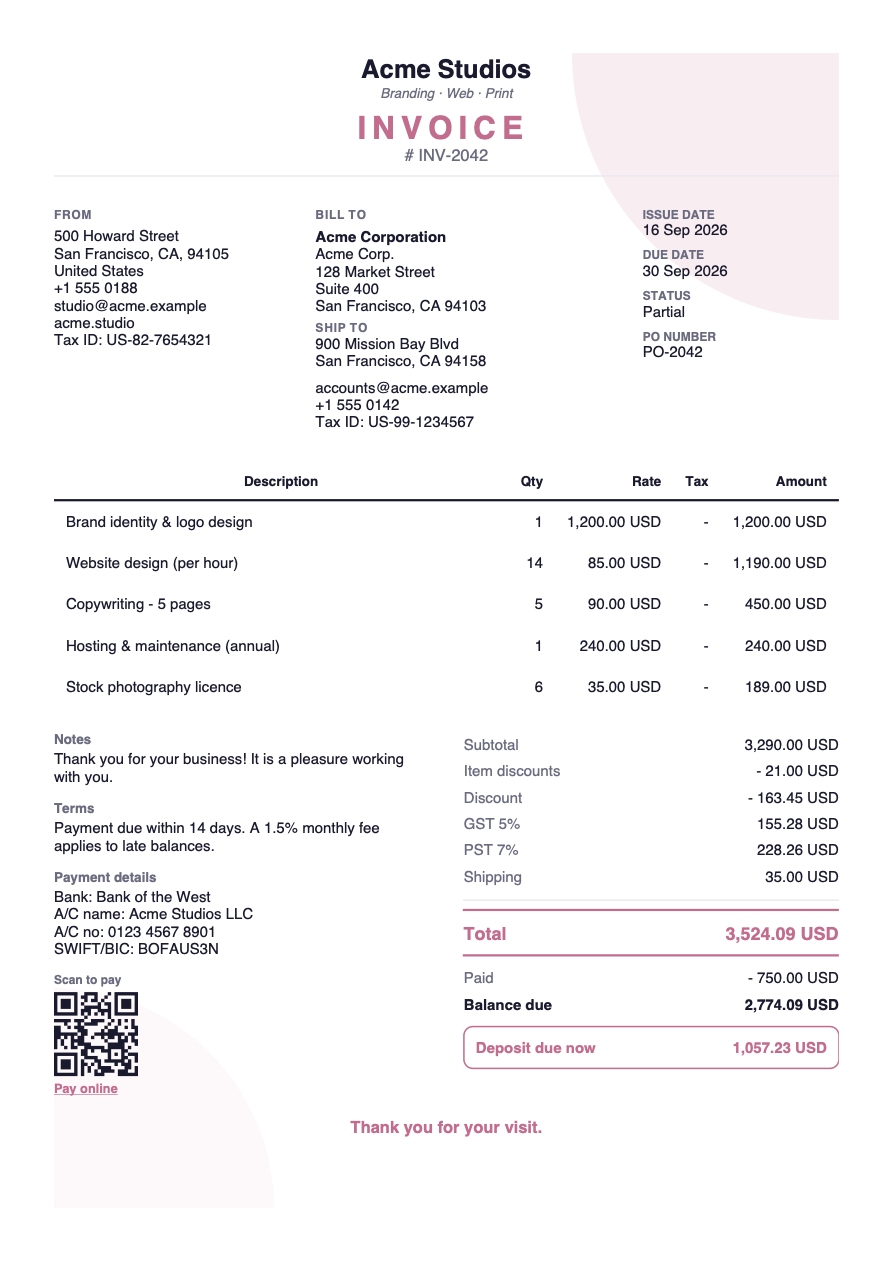
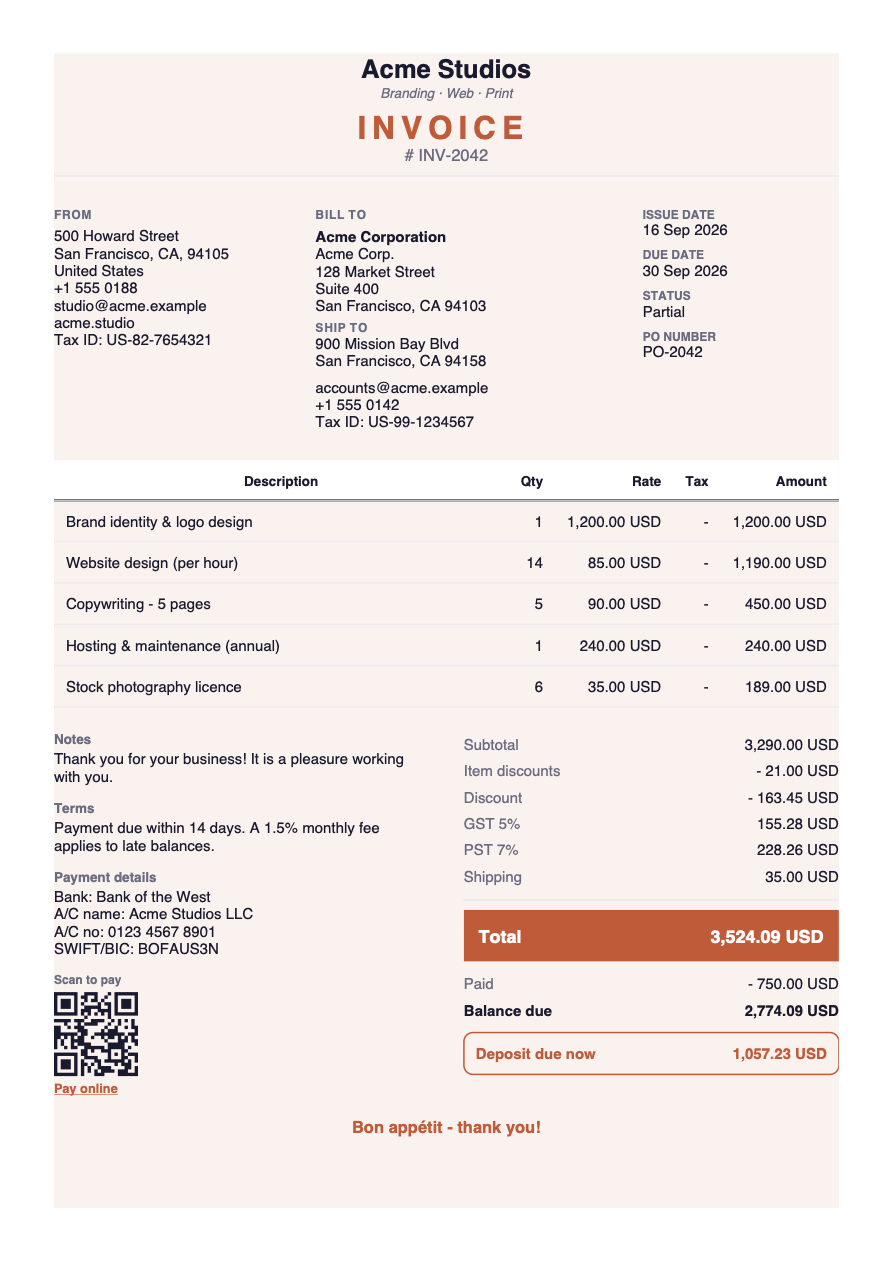
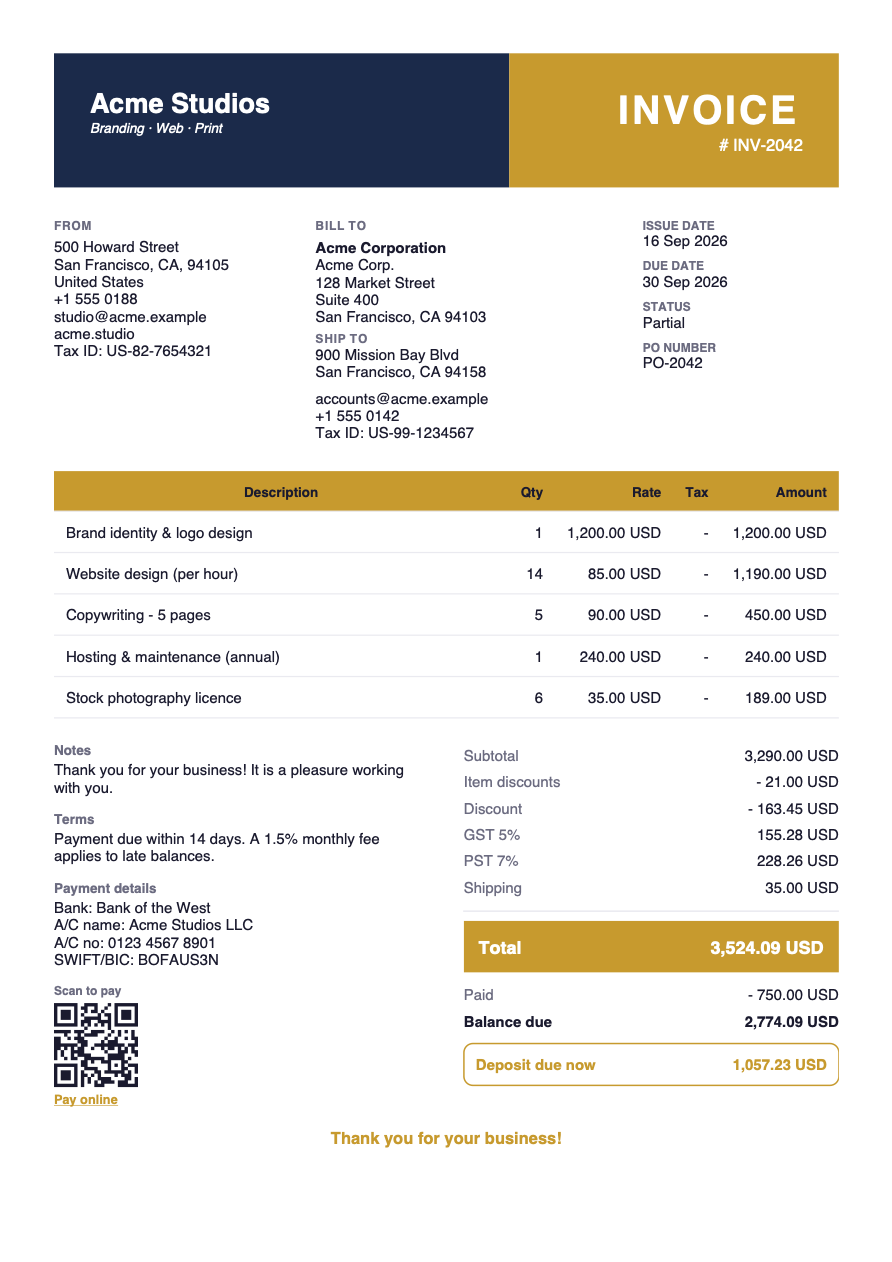
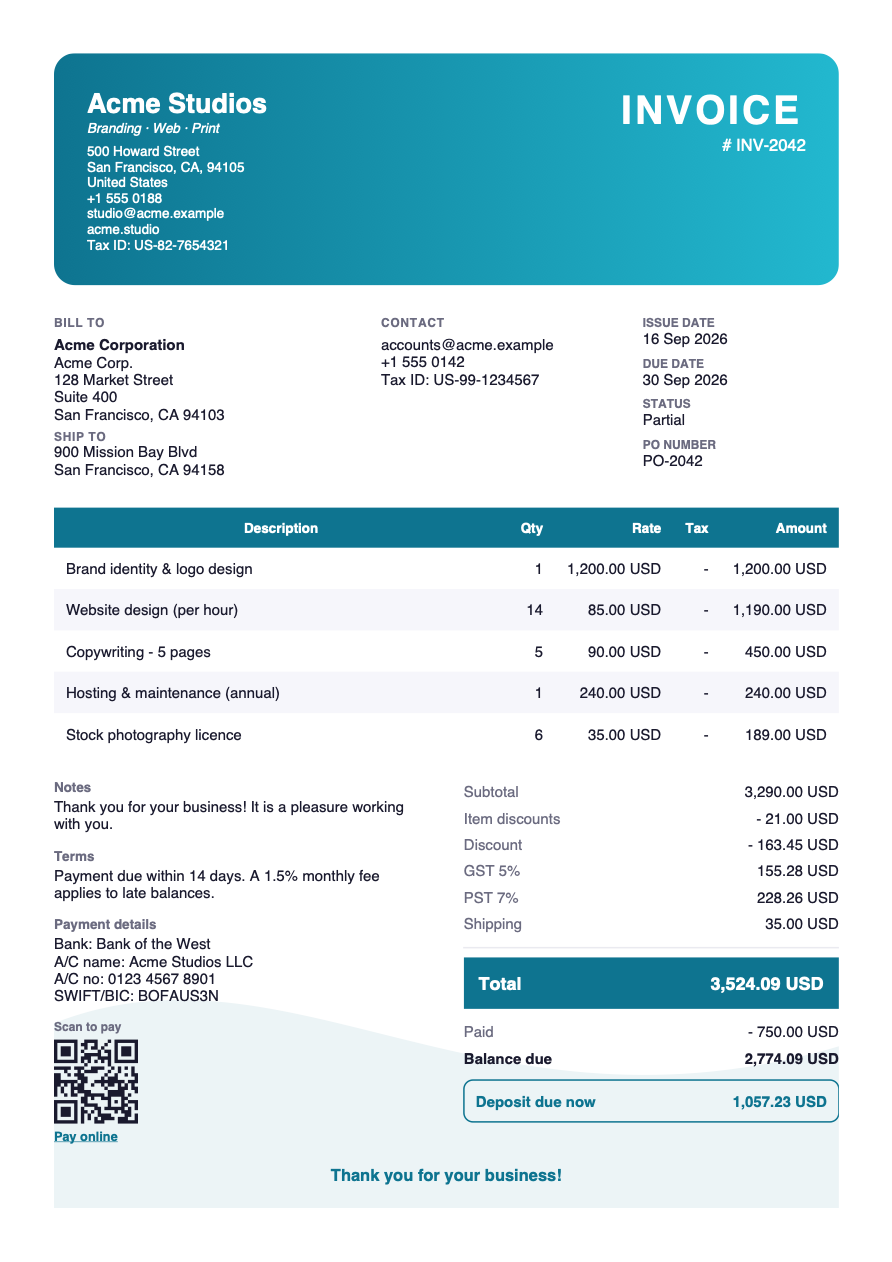
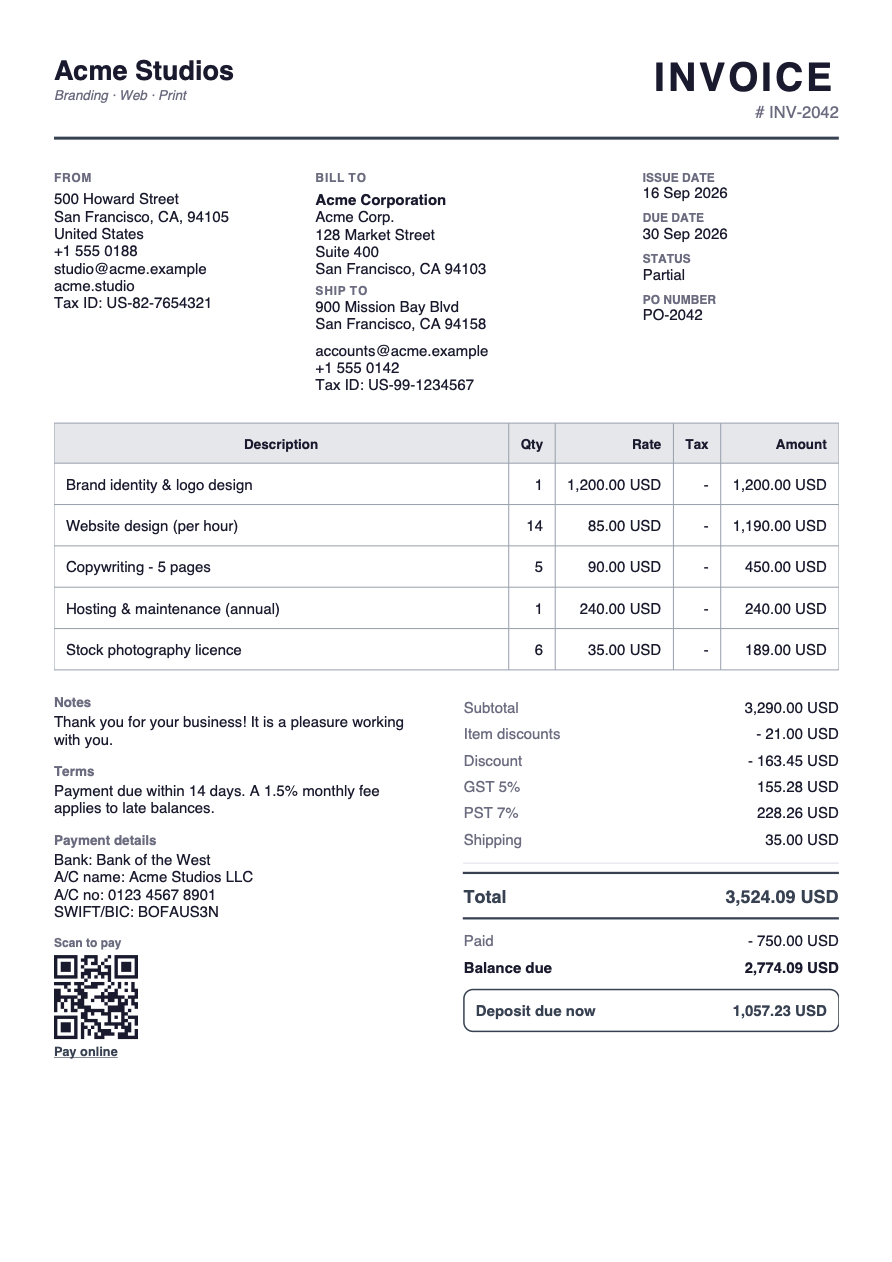
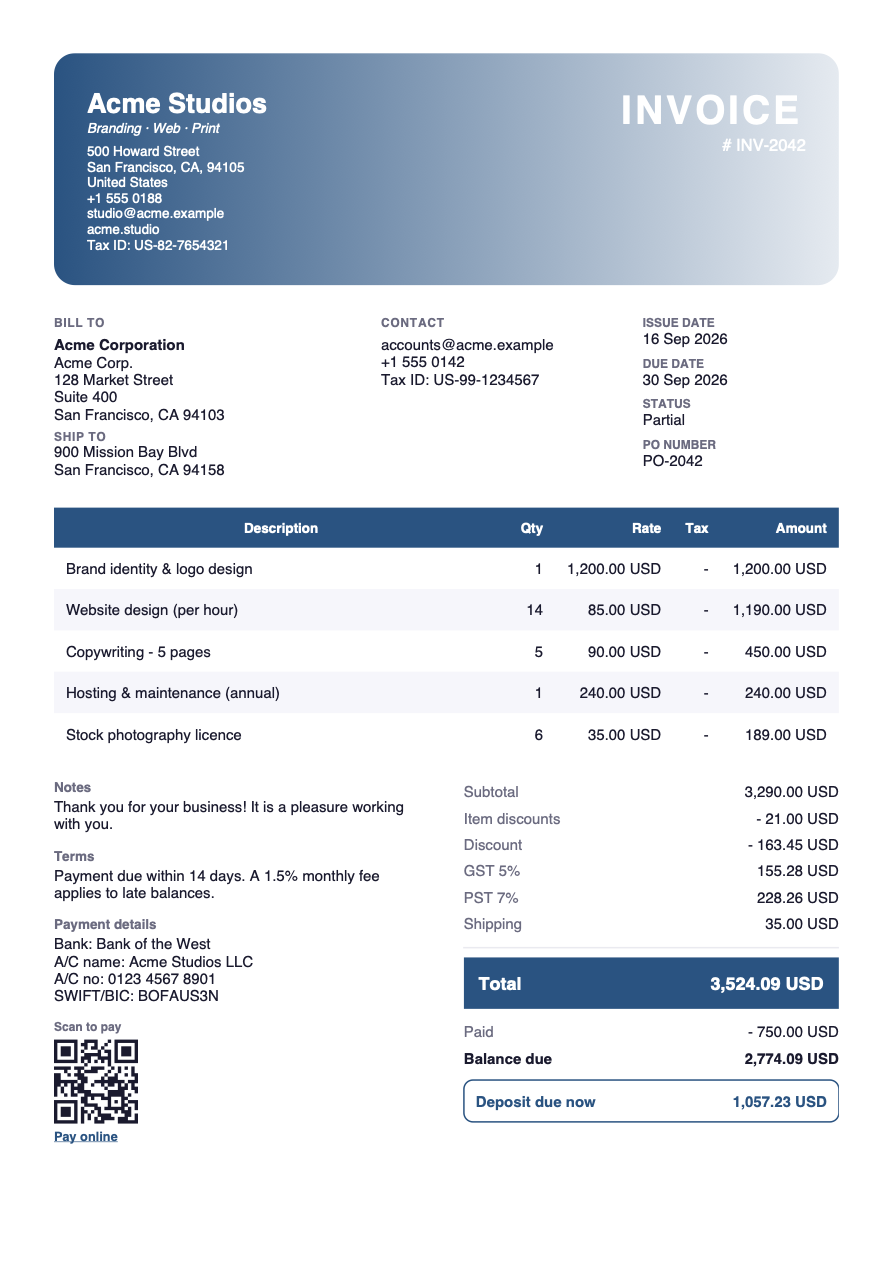
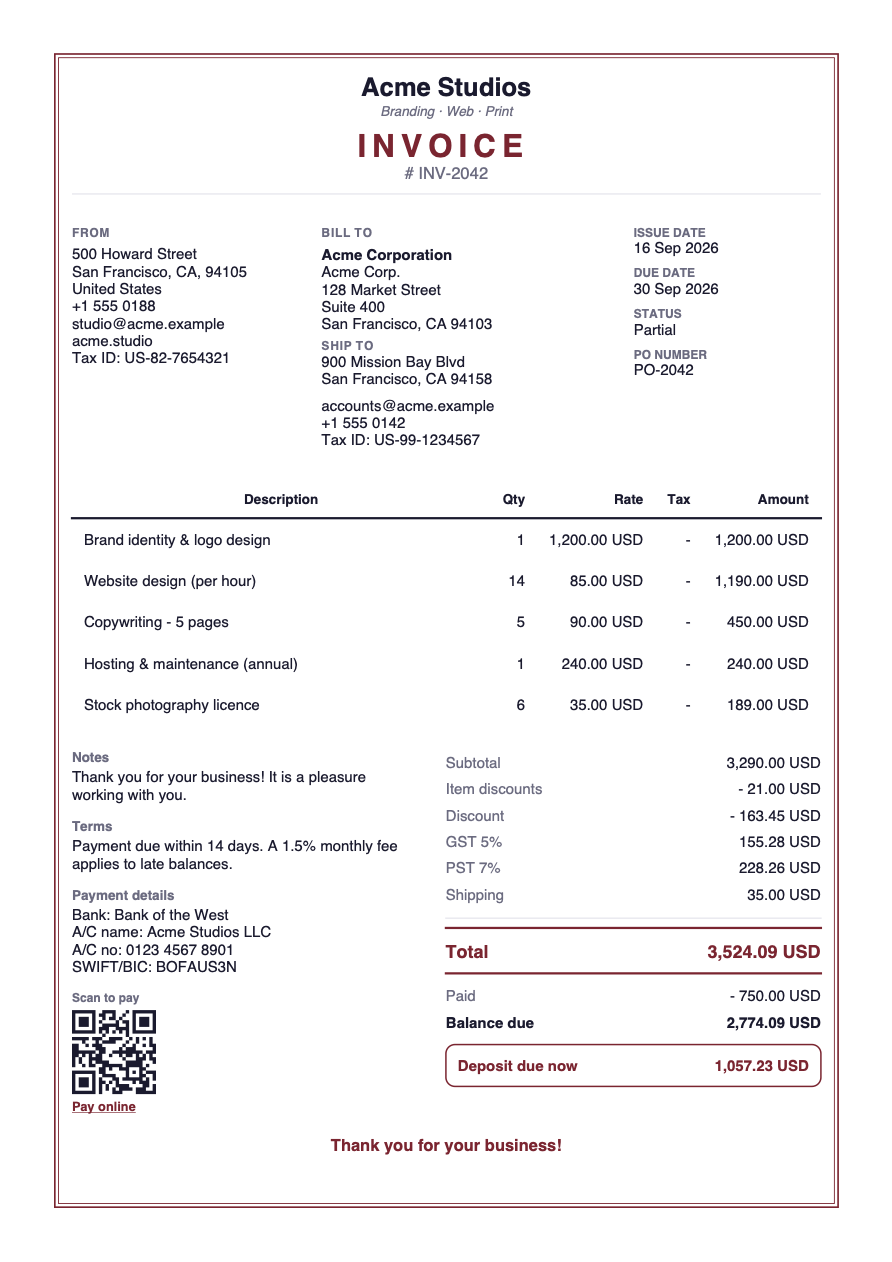
From the classic boxed grid to cream minimalist stationery and bold trade designs. Change colours, fonts and columns, or design your own.
GSTIN, HSN/SAC, place of supply and CGST/SGST/IGST split — or VAT numbers and reverse charge. Amount in words. Tax summaries for filing.
WhatsApp first — with the amount, due date and your pay link in the message — or email, tracked link and print. Read receipts tell you the moment a client opens it.
Automatic due-date and overdue reminders, late fees, deposits and previous-balance carry-forward for repeat clients.
Attach receipts for materials, before/after photos or signed work orders. They print as extra pages of the same PDF.
Full or partial payments in cash, UPI, bank transfer or card. Dated PAID stamp, payment receipts, customer statements.
Offline-first and stored on your device. Back up to a file any time, or sign in for automatic cloud backup and phone-to-tablet sync.
Revenue, outstanding, aging and tax collected. Export to CSV for your accountant — all of it, whenever you want.
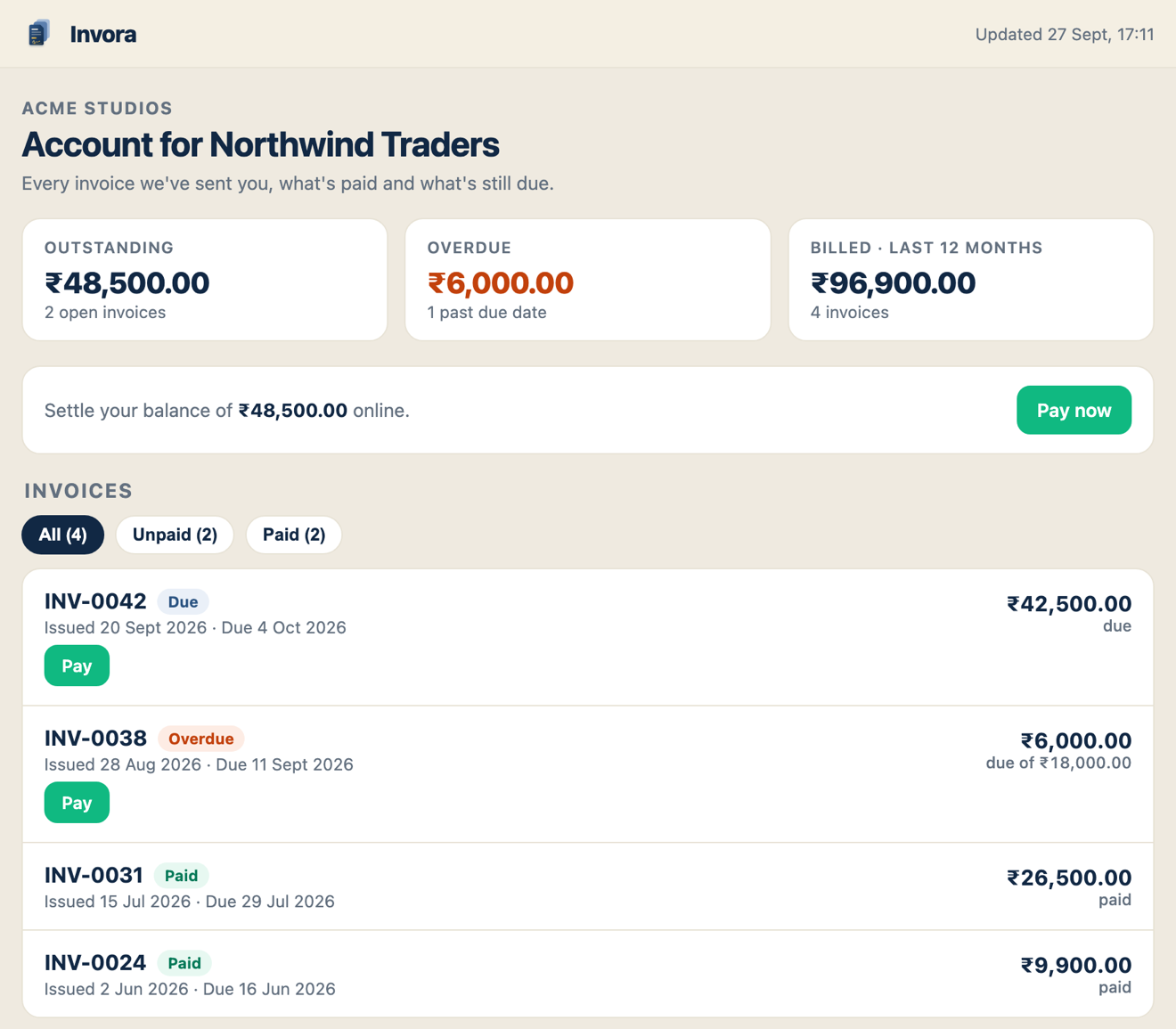
Stop answering “how much do I owe you?”. Send one link and your client sees every invoice you’ve issued, what’s paid and what’s due — with a Pay button right there.
Every template is fully configurable: colours, fonts, columns, logo placement, notes, QR code and signature. Three are free forever; Pro unlocks the whole collection plus Template Studio to design your own.
Switch your business to the GST regime and every invoice does the right thing automatically.
Prices are set per country, so Pro costs what it should where you live — not what it costs in New York. Start free; the free plan never locks you out of invoices you have already created.
For getting started and occasional billing.
— a month, billed yearly · 3-day free trial
Or pay once: — lifetime, yours for good.
Charged by Google Play or the App Store in your local currency; the store shows the exact amount before you confirm. Subscriptions renew automatically unless cancelled at least 24 hours before the end of the period.
No. Invora works fully offline and your data lives on your device. Signing in is optional — it adds automatic cloud backup, phone-to-tablet sync, tracked links and read receipts.
Nothing is locked away. Every invoice, client and payment you created stays fully accessible, and you can still view, share and export them. You simply return to the free plan’s monthly limit for new documents.
Yes. Export a backup file from Settings and restore it on the new device, or sign in and let cloud backup bring everything across automatically — including your logo, templates and photo attachments.
Invora produces tax invoices with GSTIN, HSN/SAC, place of supply, CGST/SGST/IGST, reverse charge and amount in words, plus tax summaries for filing. Always confirm requirements for your turnover and state with your CA.
A private web page for each client, at a link you share from the app (Pro). It lists every invoice you’ve issued them with paid, due and overdue amounts, a Pay now button using your payment link, and the PDF of each invoice you’ve sent as a link. It updates automatically as you record payments, your client doesn’t need an account, and you can turn the link off at any time. See an example.
Add your UPI, PayPal, Stripe or any payment link to your business profile and every invoice shows a scan-to-pay QR code and a tappable “Pay online” link.
Yes — invoices with dozens of lines flow across pages with a repeated header and page numbers, so totals are never cut off.
Free on Android and iOS. No card, no account required.